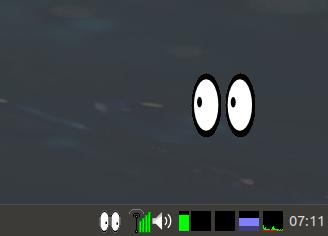
For getting Xeyes to work automatically in IceWM Desktop, it need to modify $HOME/.icewm/winoptions file as
xeyes.tray: Exclusive

xeyes.ignoreWinList: 0

xeyes.ignoreTaskBar: 0

xeyes.allWorkspaces: 1

xeyes.dTitleBar: 0

xeyes.dBorder: 0

xeyes.dSysMenu: 0

xeyes.dResize: 0

xeyes.dClose: 0

xeyes.dMinimize: 0
And for the startup a line if 17 inch laptop with 1600×900 resolution
xeyes -geometry 64x64-74-100 &
PS. In antiX the startup file is on $HOME/.desktop-session/startup . Otherwise $HOME/.icewm/startup