It goes almost the same way like in Mint 18, but MySQL root user is disabled in Ubuntu 18 based systems, so the installation goes the next way:
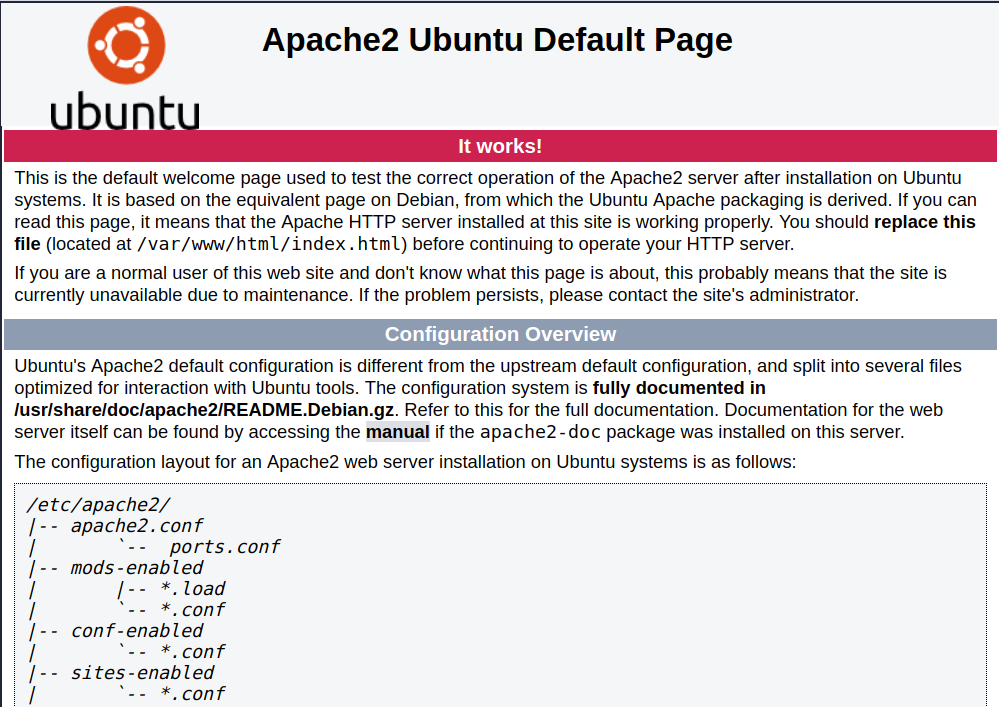
sudo apt-get install apache2
sudo apt-get install mysql-server
sudo mysql -p -u root
mysql> CREATE USER 'username_here'@'%' IDENTIFIED BY 'password_here';mysql> GRANT ALL PRIVILEGES ON *.* TO ’username_here’@’%’ WITH GRANT OPTION;
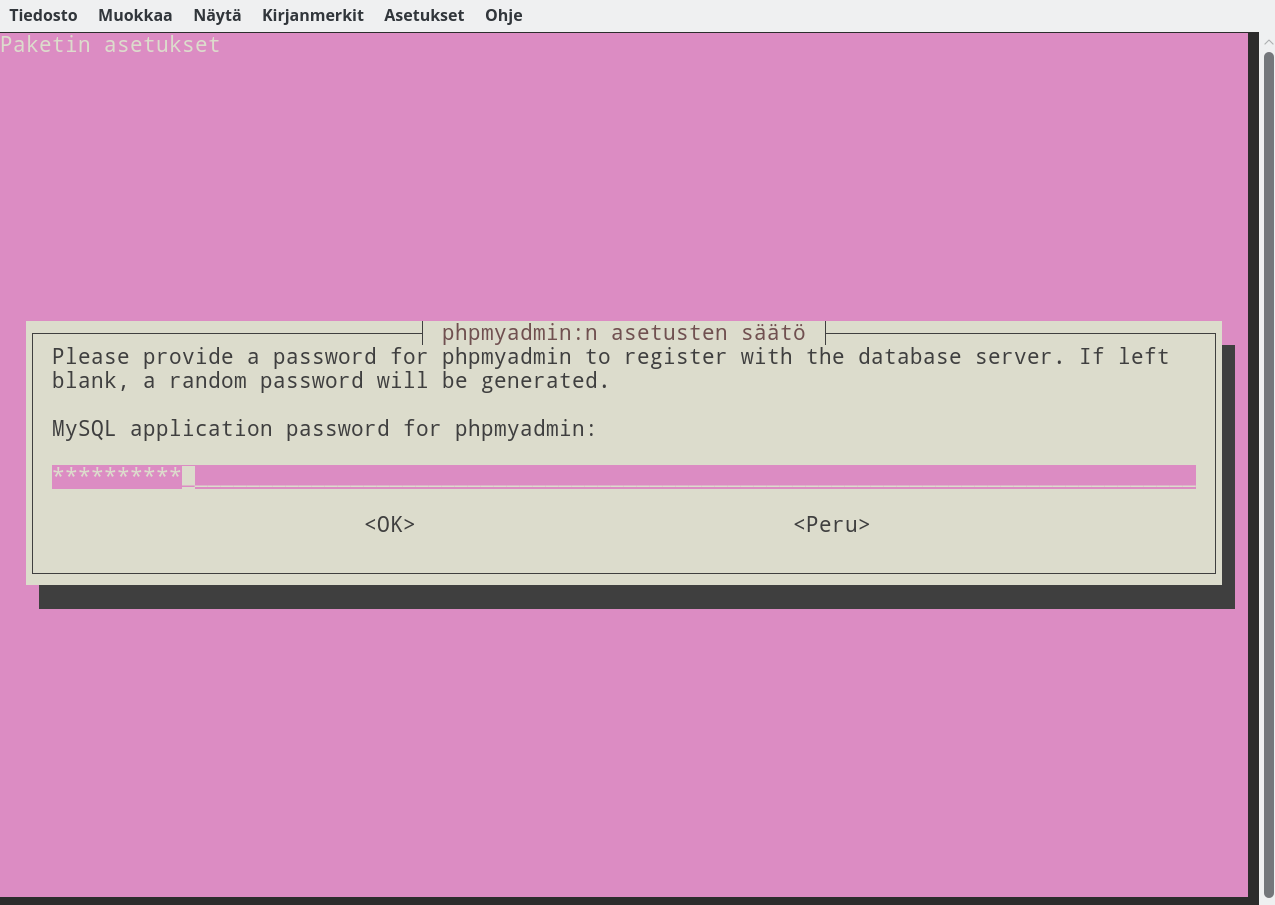
sudo apt-get install phpmyadmin
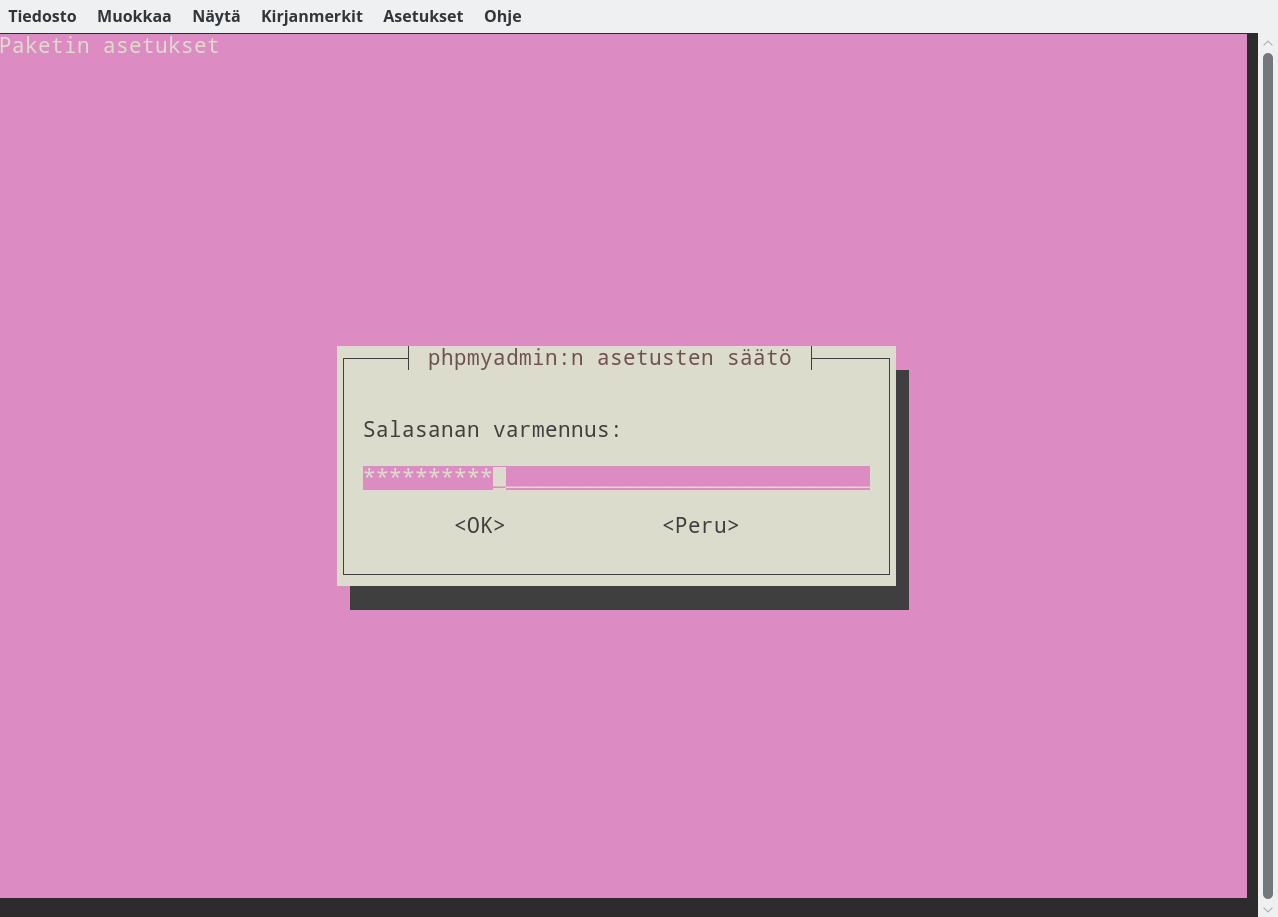
… and set password

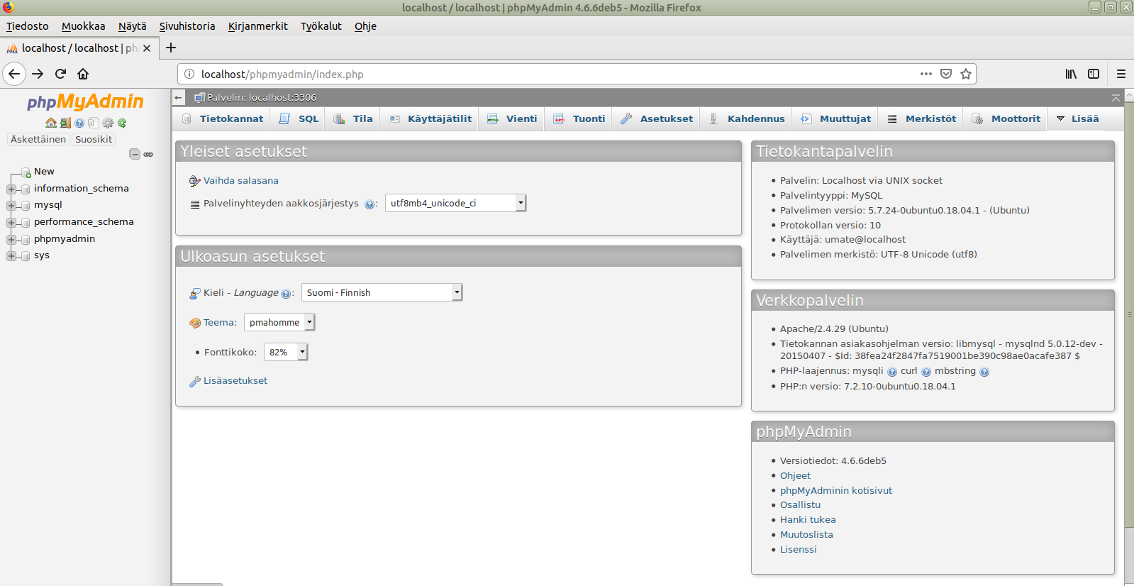
…. and login into PhpMyAdmin
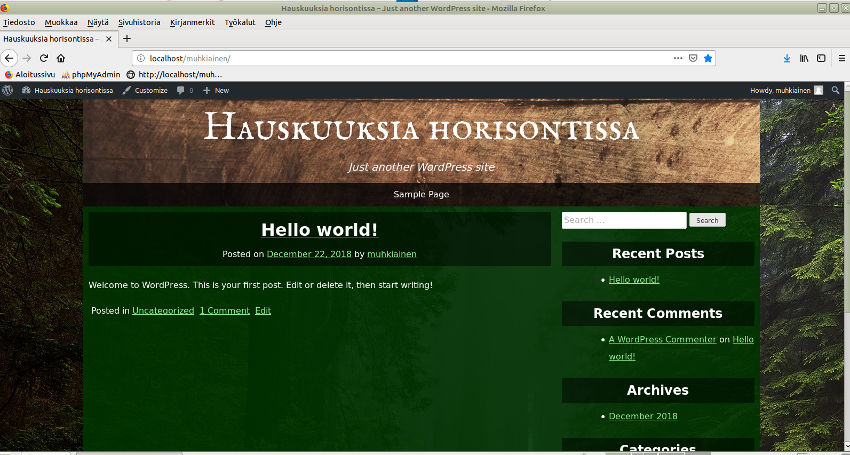
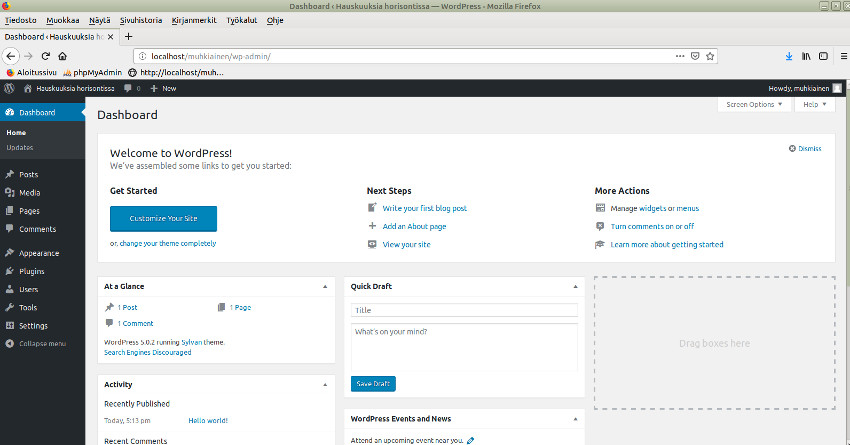
A TEST SITE
Read also: Apache ja PhpMyAdminin asennus Mint 18:ssa
Read also 2: To fix php code error in PhpMyAdmin
Read also 3: To use WordPress into localhost installation
Read also 4: To install Drupal as localhost installation