There are many audio recorders, but you can make your own version like the next example. Install packages xterm, zenity and sox. To choose input device run command arecord -l and if you want set some else than default for the input device like hw:0,0 is microphone in this computer.

apt install xterm zenity sox
Then make a script (simpleaudiorecorder.sh) like
#!/bin/sh

## to choose input device run arecord -l and if you want set some else than default for the input device like hw:0,0 is microphone in this computer
zenity --question --text "Recording audio and stop recording pressing CTRL+c"
if [ $? = 0 ];
then
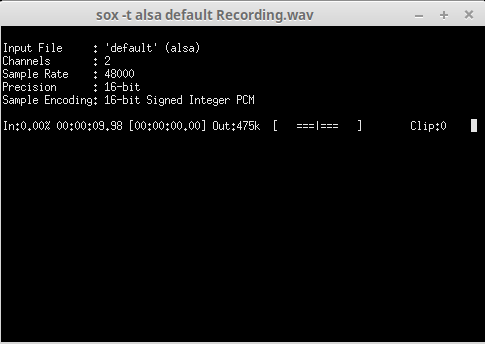
xterm -e 'sox -t alsa default Recording.wav' && zenity --info --text "Recording is ready"
else exit 0
fi
Make the script executable
chmod +x simpleaudiorecorder.sh
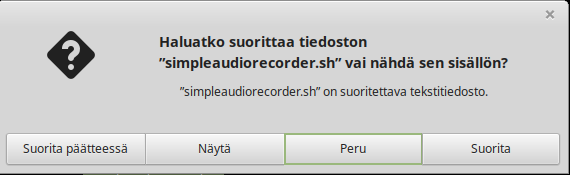
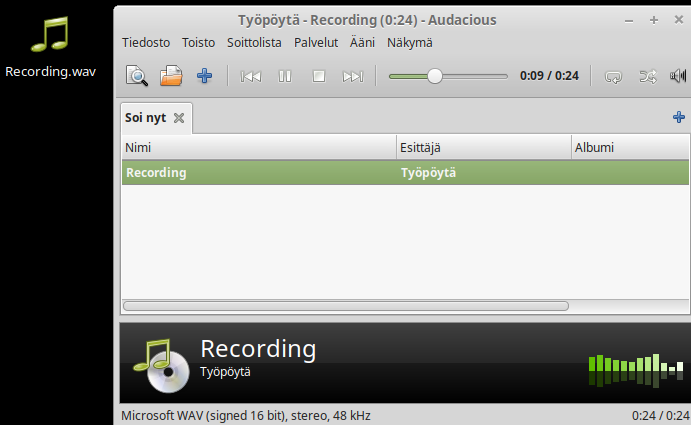
Which works like


Script with time stamp:
#!/bin/sh
zenity --question --text "Recording audio and stop recording pressing CTRL+c"
if [ $? = 0 ];
then
xterm -e 'sox -t alsa default $(date +\%Y\%m\%d\%H\%M)-Recording.wav' && zenity --info --text "Recording is ready"
else exit 0
fi
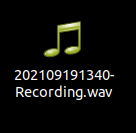
The script for recording is here